
Jason Dixon
Actively Manage Your Prefab Schedule
In this edition of the How To Guide for Prefab Leaders, we review how to generate a schedule forecast and factory production plan and how to manage the prefab project cycle to ensure that you are hitting the schedule targets.
In order to manage prefab project delivery in real-time, we will turn to the Forecasting & Estimating feature set to build our plan and then leverage the Production & Quality Tracking and Real Time Analytics feature sets to manage factory production, live, and ensure we are meeting our deadlines.
If production falls behind schedule, we will review how to take proactive steps to accelerate work and how to better understand the cost implications of these corrective actions.
Generate Your Prefab Project Schedule
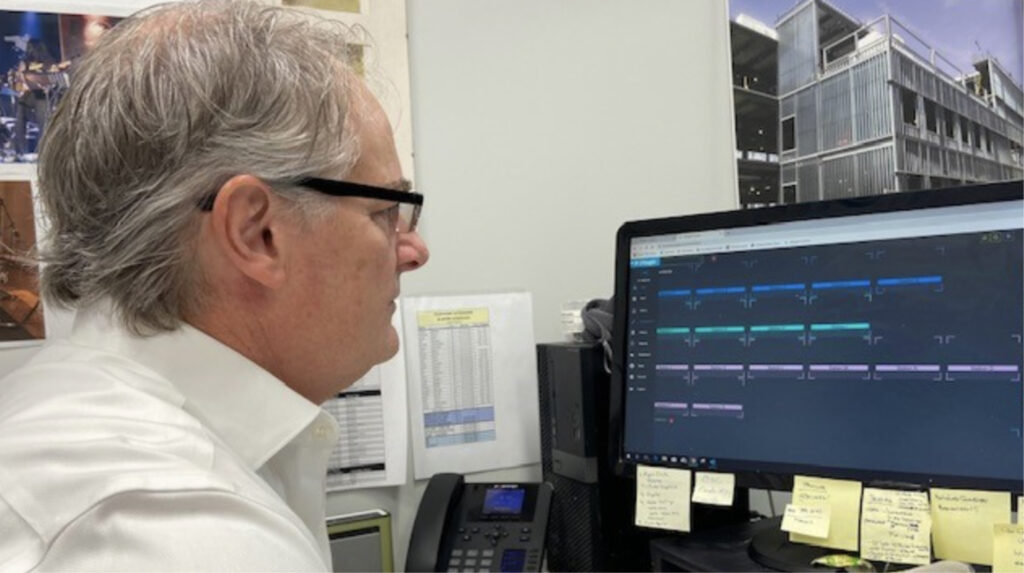
Begin by generating your project schedule and leveraging Offsight’s Forecasting & Estimating suite with built in algorithms that factor in labor capacity constraints. These constraints also apply to the unique prefabrication process for the products you are assembling. With Offsight’s pre-built prefab planning, forecasting and estimating templates, you can define your prefabrication process by your product type (e.g. EIFS panels, bath pods, volumetric modules, etc).
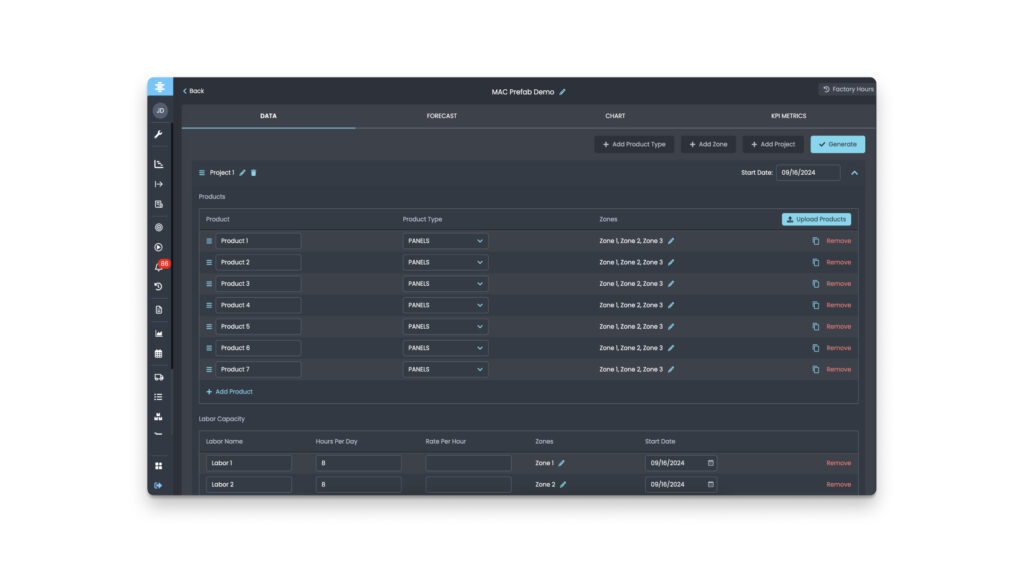
Once each process step is identified and hours are assigned to complete each process, you can then add your current labor resources and capacity constraints to generate an accurate factory production schedule to forecast start and end dates. Projected delivery dates by panel or bundle of panels (e.g. 1st floor, 2nd floor, etc) can then be provided to other project stakeholders to coordinate on-site installation.
Compare Real-Time Production with Your Planned Schedule
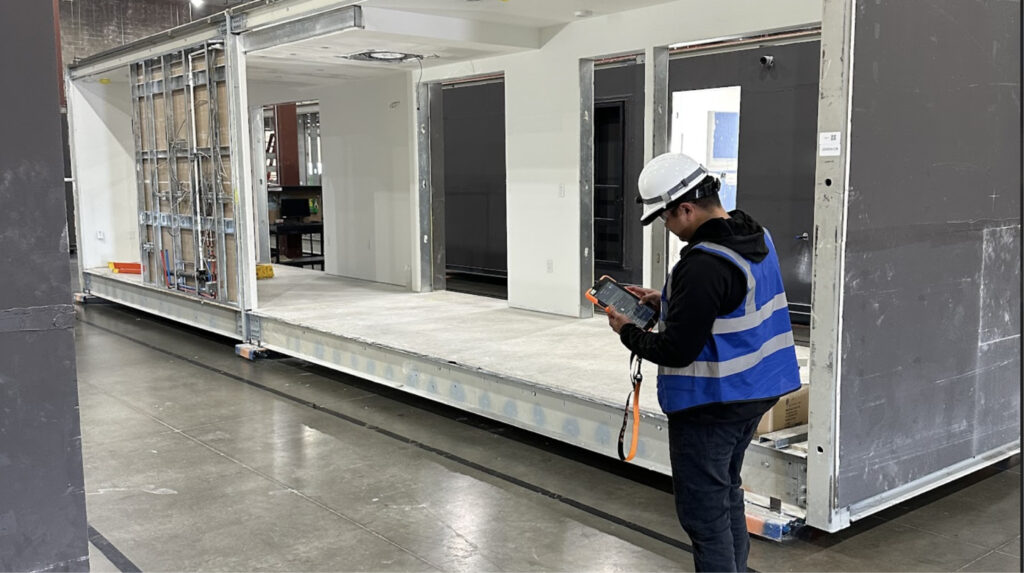
After building your forecasted schedule, you can turn to Offsight’s Production & Quality Tracking feature set to track your progress against your prefab schedule once factory production begins. As operators actively work on products on the shop floor and products move through assembly, Offsight’s Live Dashboard actively tracks status in real time. In order to compare your real time progress against your planned project schedule, you can leverage Offsight’s Real Time Analytics capabilities.
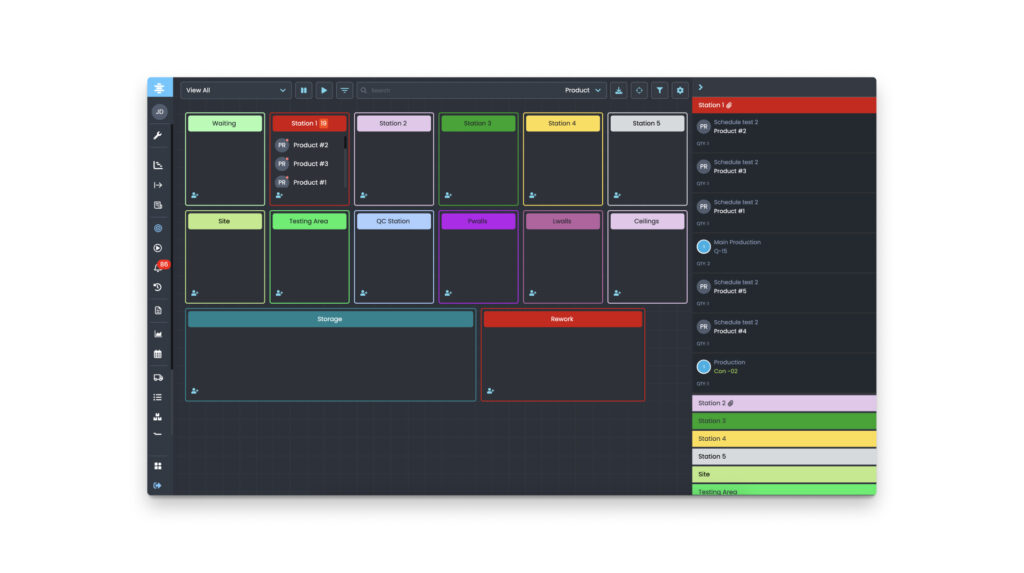
With Offsight’s Schedule and Analytics Dashboard, you can automatically pull a real time production Gantt chart for all live products on the floor and track when they start prefabrication. We also track the production status of all live products in the overall assembly, including which processes were completed e.g. framing, and which are still pending.
Identify Schedule Delays and Correcting Course
In order to get a real time view of how you’re tracking against your original project plan, you will need to leverage the linking functionality in Offsight’s Schedule Dashboard to search and apply your forecasted schedule overlaid on your real-time production Gantt chart. By automatically linking forecasted product start and end dates by process and workstation, you can see how each individual product is tracking against your plan. Thereby you could track a large panelized project by individual panel or section, e.g. floor 1, and immediately identify when production is falling behind your schedule.
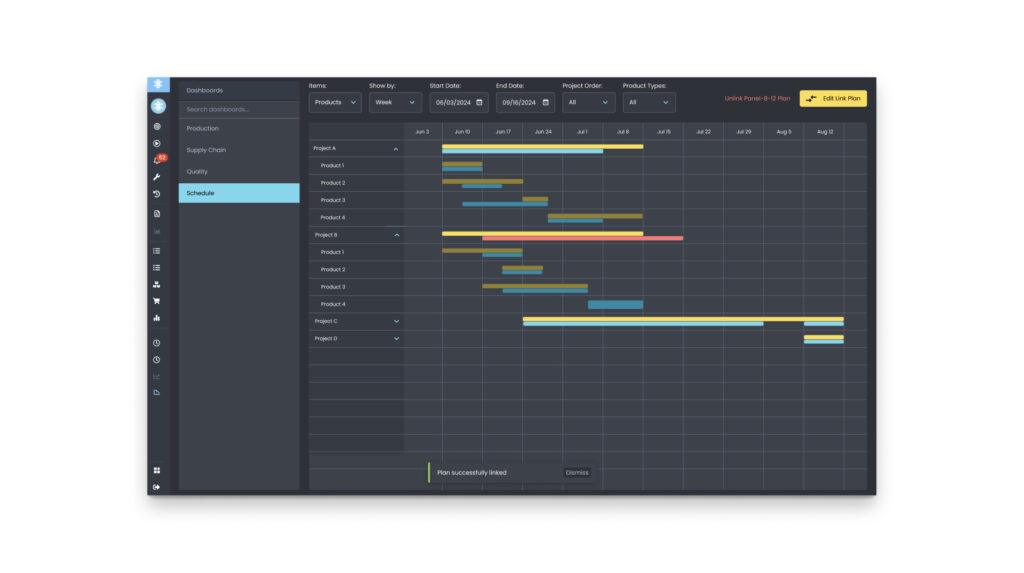
In this manner all operators, team leads and supervisors can see when products and processes need to be completed to achieve your schedule targets. If updates to your forecasted schedule are needed to account for delays, you can use the drag and drop feature to move the target start and end dates in the Schedule and Analytics Dashboard. This will ensure you are always tracking your progress and managing prefabrication against your overall project schedule. Furthermore by leveraging Offsight to communicate updates to all stakeholders in real time, you can enable collaboration and coordination throughout the project lifecycle.