
Correctly and systematically streamlining final sign-offs, building code review and visual inspections at the factory level can be the difference between achieving the efficiency advantages of offsite construction or getting bogged down by costly on-site repairs/rework that eat into your profit margins. In this How to Guide for Prefab Leaders, we review how to build a robust quality control program for commercial prefab and how to manage the entire inspection process through digital tools like Offsight.
Build Your Factory Quality Workflows
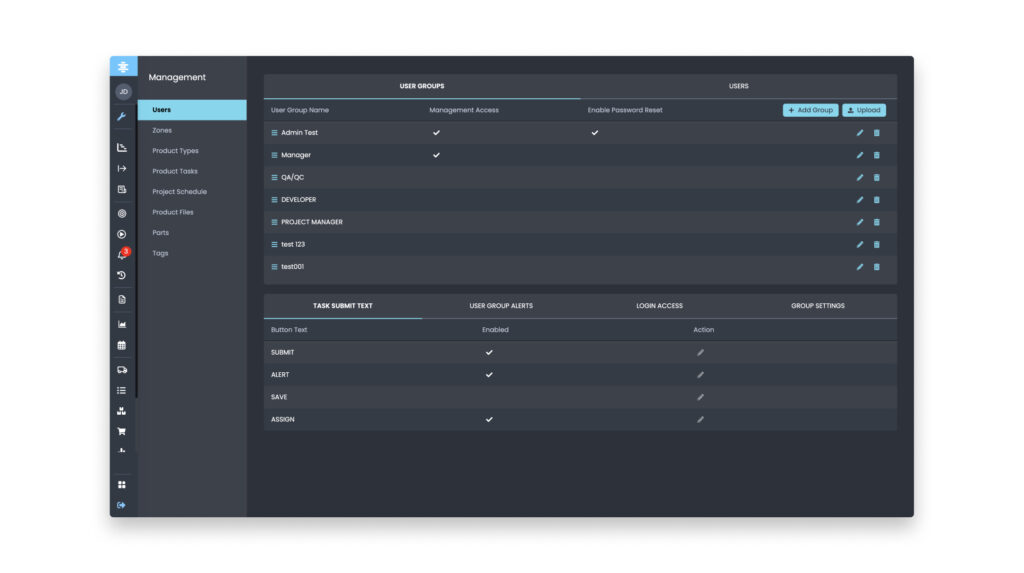
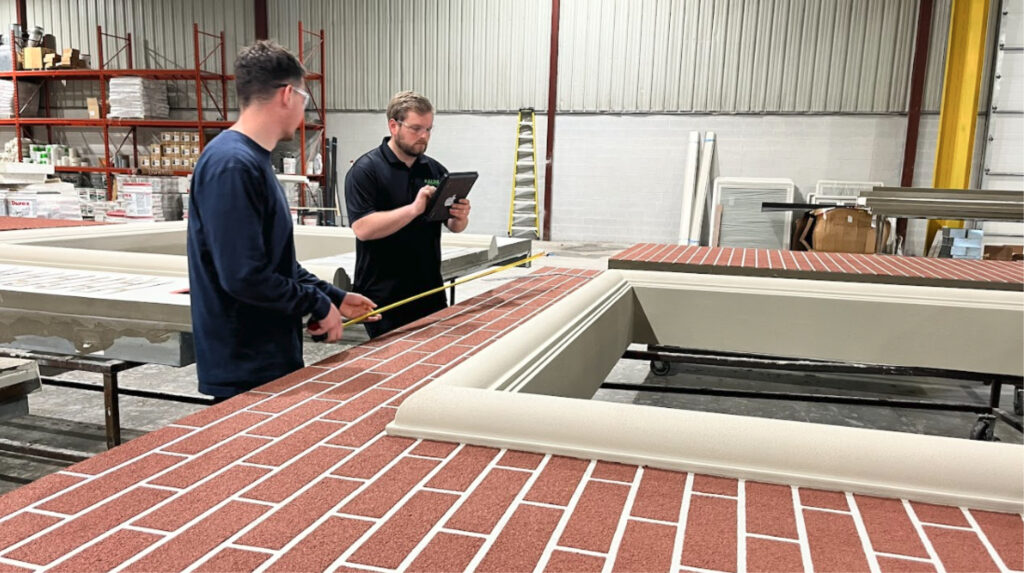
When undertaking commercial prefab projects, it’s important to build a robust quality control program that can supplement your factory assembly process. While it may seem cumbersome to manage frequent building code inspections and sign-offs throughout factory assembly, actually having a robust process in place can expedite your project schedule by reducing costly on-site rework and return to factory repairs. To build your quality inspection process, we start by creating digital quality workflows in Offsight’s Management Dashboard. These workflows define how each product type (panel, pod, module, etc) moves through production and the key stages where quality verification checklists and sign-offs need to be completed.
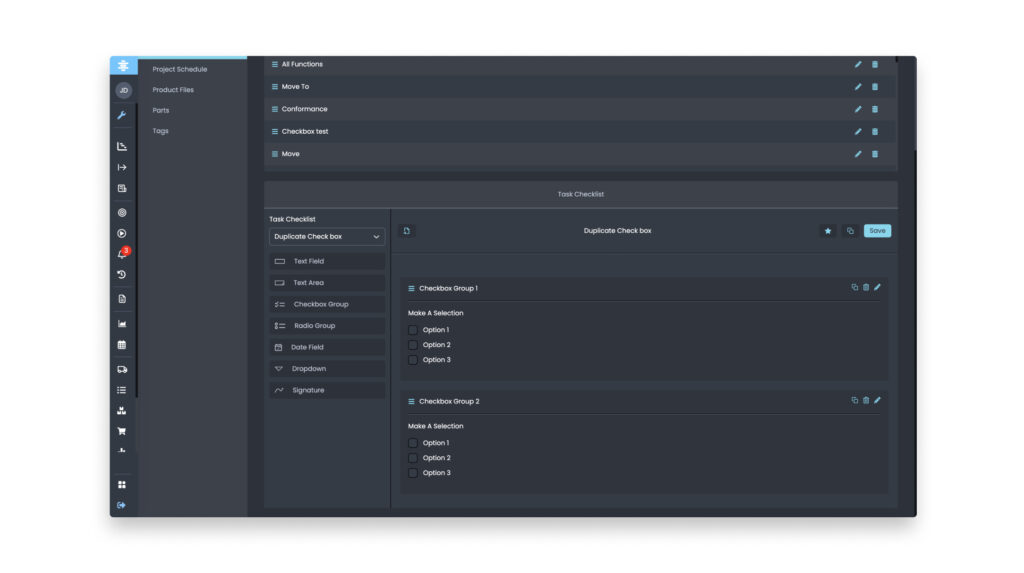
Once you define the specific products that will be prefabricated for your commercial projects and their appropriate stages of production (e.g. Framing, Welding, Finishing etc.) the next step will be building a robust digital quality checklists and forms. These checklists are typically considered either Critical (e.g. must pass for the product to move to the next stage) or Cosmetic (e.g. missed painted corner that can be done later before shipment) and customized down to the product level to match your design for manufacturing and assembly (DfMA) process. Every product or product type may have a unique manufacturing workflow and therefore unique sign-offs and assembly verification that’s needed. With Offsight’s Task Checklists Builder, custom checklist and forms with pre-built workflows including radio buttons, image capture and predefined responses with timestamps can be created to streamline the quality documentation from the shop floor.
Automating Your Quality Workflows
In order to truly drive the value add of a robust quality program across your factory projects it’s crucial that quality and operations personnel adhere to the program. With Offsight’s Workflow Automation Dashboard in our Production & Quality Tracking feature set you can build robust IF/THEN logic and event based workflows to save your quality and operations personnel time and effort which incentivizes them to better adhere to your program.
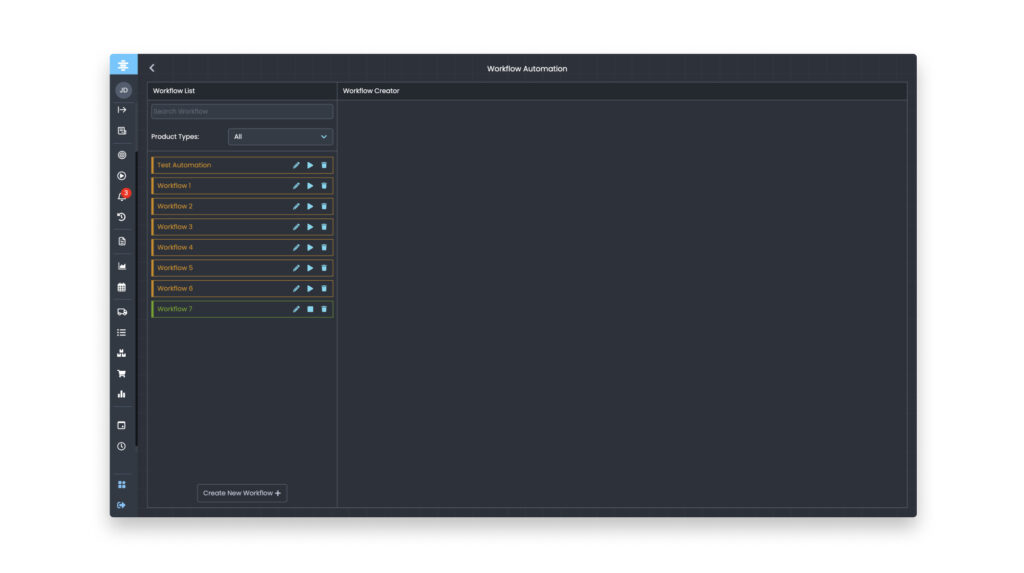
By automating your quality workflows, issues that are identified at various stages of assembly can automatically create trigger alerts for other linked checklists. These alerted tasks will have an “Open” status that can be managed and reviewed in our Alerts Dashboard. When repairs are performed in the factory to address these alerts, the alert status will change to “Closed” and automatically removed from the alert dashboard.
Set Up Robust Reporting for Project Collaboration
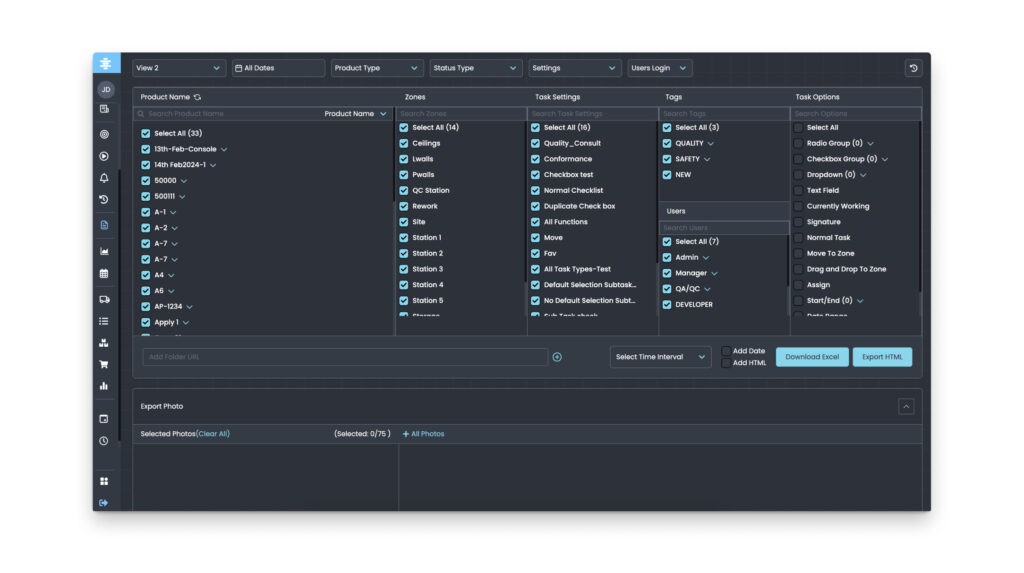
With Offsight’s Reporting & Auditing feature set, prefabricators can manage the final part of their quality and verification process, which includes regular updates to project stakeholders and third parties. Reporting workflows can be created within Offsight’s Reporting Dashboard to pull real-time and historical building code and conformance checklists and provide these on daily cadence to third party inspection providers. Similarly, final sign-offs with including photos for image verification and timestamps can be provided in quality reports to general contractors, onsite installers and other project stakeholders to confirm that all assembly was completed according to specifications before shipment.